问题描述:
在用远程桌面访问Window Server服务器时,出现如下错误:
The remote session was disconnected because there are no Remote Desktop License Servers available to provide a license.Please contact the server administrator...
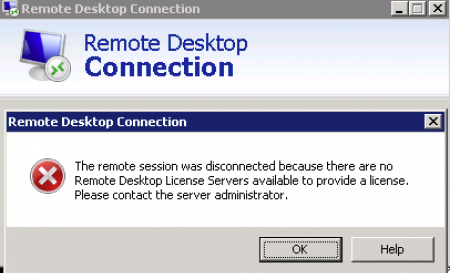
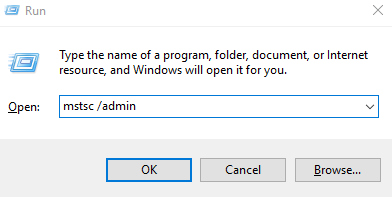
这时若想远程只能使用强制远程连接:
解决方案:
打开注册表,找到如下键值:
HKEY_LOCAL_MACHINE\SYSTEM\CurrentControlSet\Control\Terminal Server\RCM\GracePeriod
设置权限(没有权限是删不掉的):
选择该键值, 右击选择“Permissions”,在打开窗口选中Administrators,选中Advanced,修改Owner为Administrator,再添加完全控制权限

删除键值,结束!